Account access and password safety, read once before a session starts.
Account access and password safety: the right way to handle a forgotten password, how to read the recovery email, and the small list of habits that protect a session.
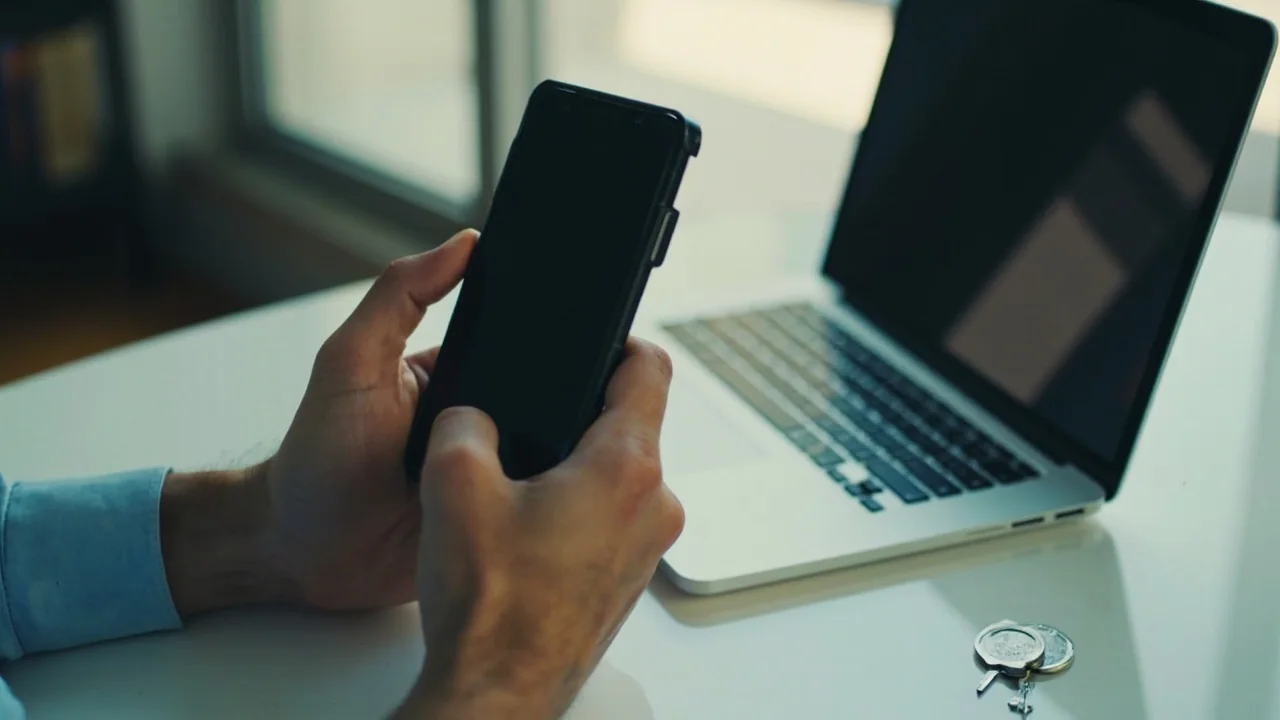
The right way to handle a forgotten password.
The first habit: use a password manager. The second: do not share a password across apps. The third: read the recovery email before clicking any link.
The first habit is to use a password manager. A password manager fills the password field on the official app and on the official site; it does not fill the field on a third-party page that looks like the official app. The habit is the cheapest read on account safety.
The second habit is to read the recovery email before clicking any link in it. The recovery email is sent from a single address; the link in the email is a single URL. If the address or the URL looks unusual, do not click the link; close the email and contact customer care from inside the app.
The session habit, and the small list that protects it.
Three short notes on the session habit: log out on shared devices, do not save the password on a public computer, and read the session timeout before walking away.
On a shared device, log out before walking away. The session stays open for a few minutes after the last tap; the timeout is set in the app, not on the device. Reading the timeout in the app settings is the cheapest way to know how long the session stays open.
Do not save the password on a public computer. The browser will offer to save it; the correct answer is no. The password is then not on the device, and the next user cannot read the account.